
Personal finance, clarified
Know exactly where your money goes, effortlessly.
Import any bank statement and get clean merchant names, accurate categories, and real insights - no manual tagging.
What you get
Four things Afloat does, so you don't have to.
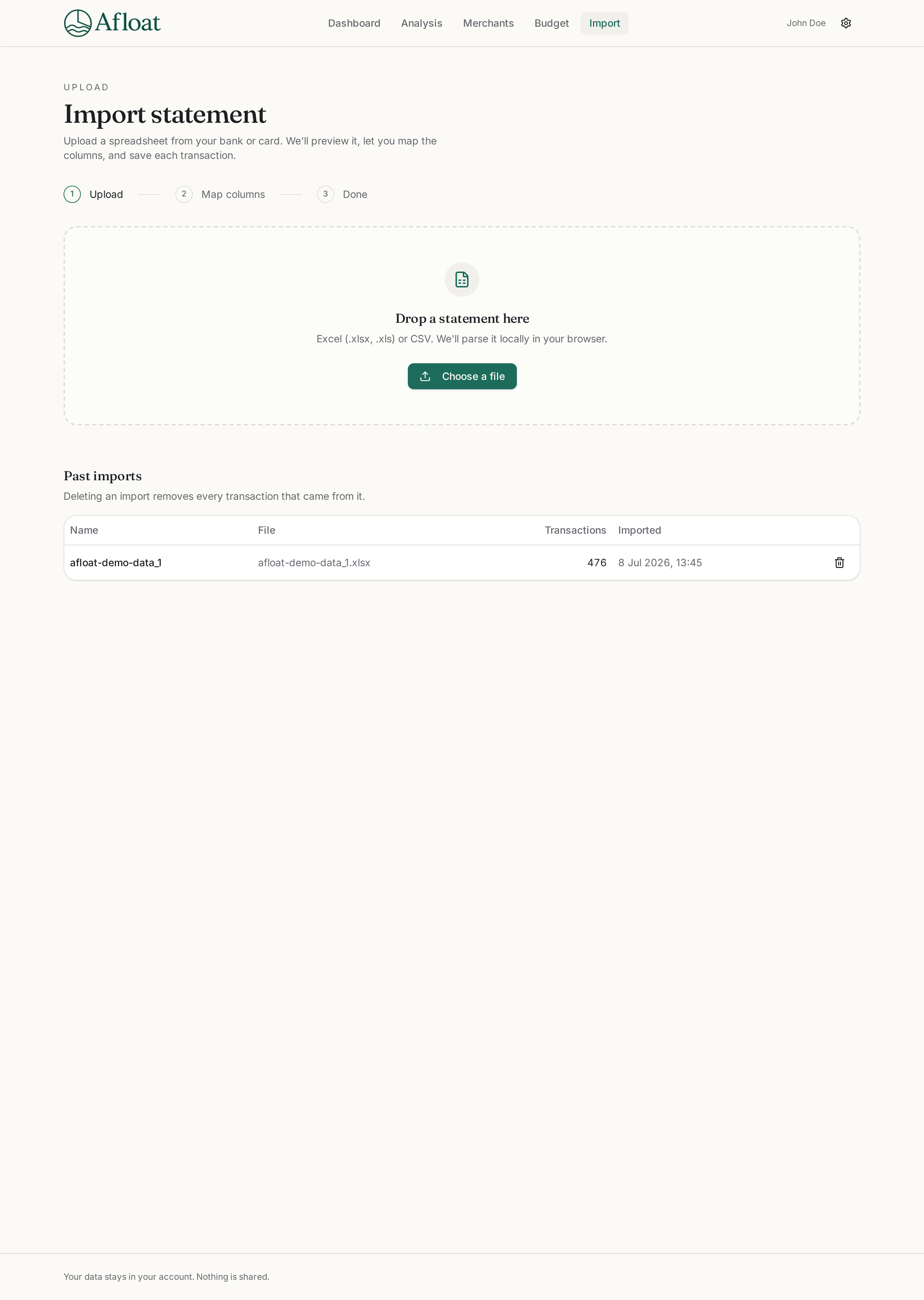
Smart import
Drop in a statement from any bank. Map your columns once - and you're done.
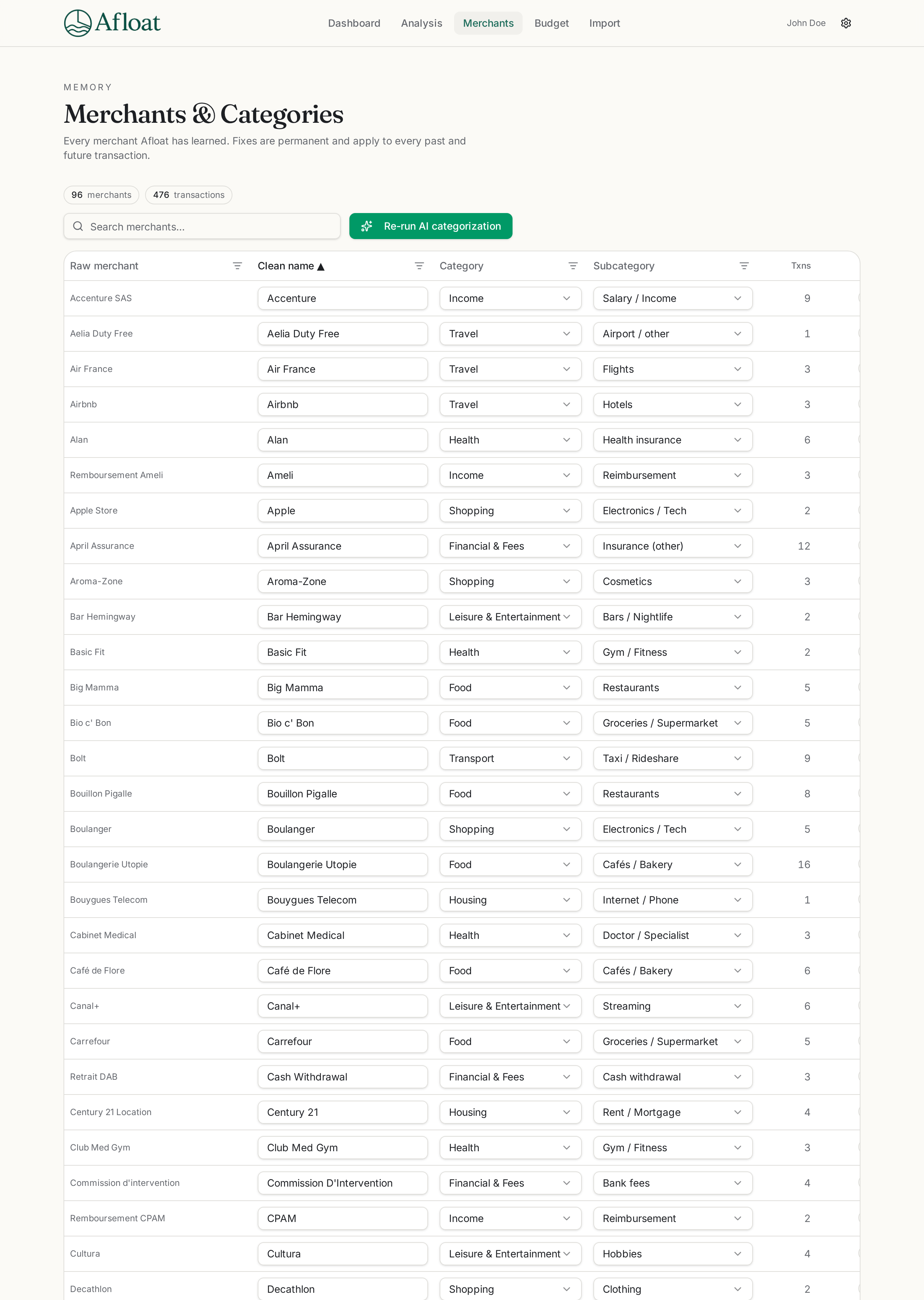
AI-cleaned merchants & categories
Messy bank descriptions become clean merchant names, automatically sorted into categories and subcategories — no rules to configure, no manual tagging.
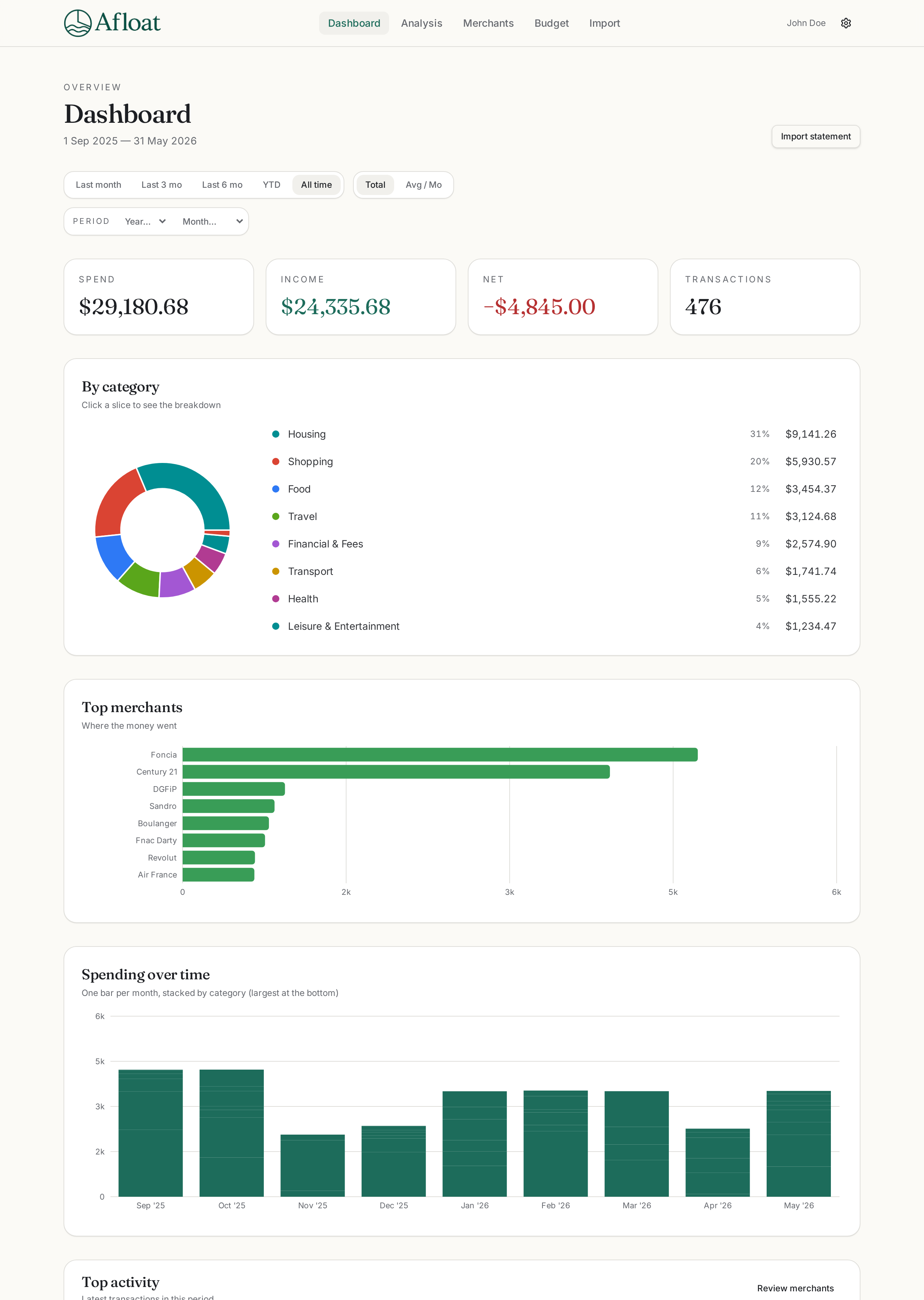
Visual dashboard
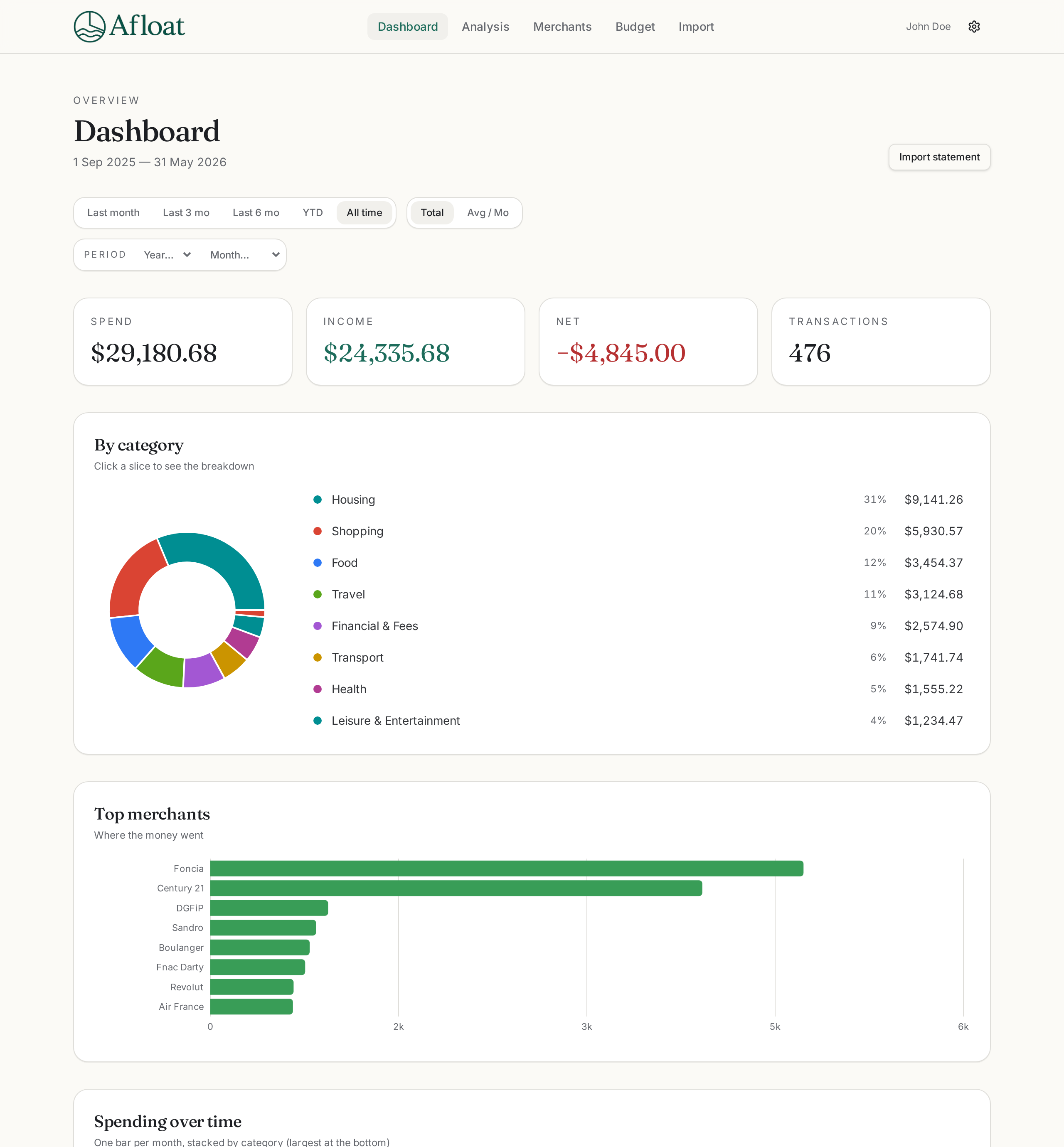
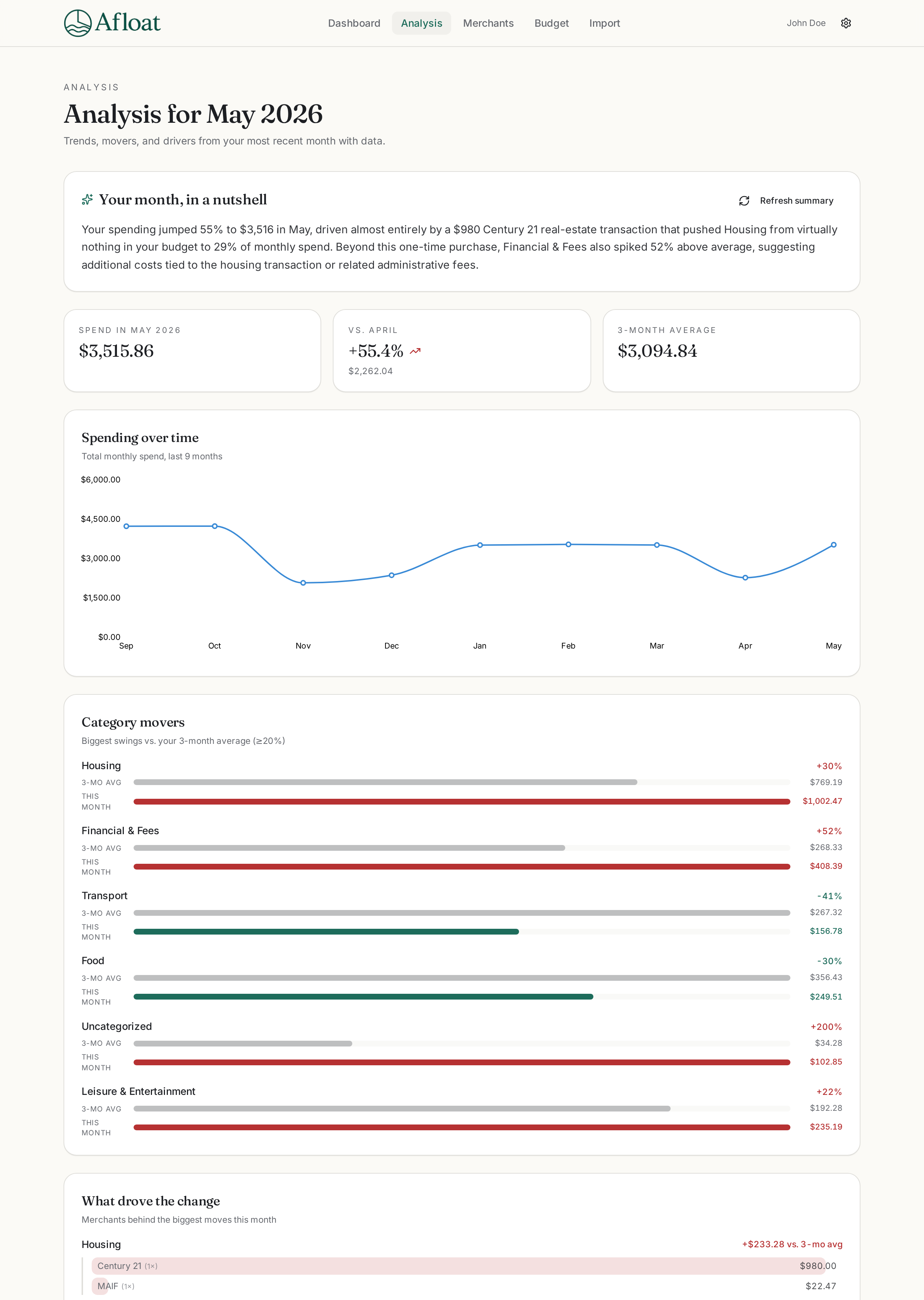
See your spending broken down by category, month over month, at a glance.
Real insights, not just charts
Track recurring subscriptions, see which categories are creeping up, and get a plain-English summary of what changed each month.
How it works
From bank statement to clarity in three steps.
01
Import your statement
Upload a CSV from any bank. Map your columns once - Afloat remembers.
02
AI cleans and categorizes
Messy descriptions become clean merchants, sorted into categories automatically.
03
Explore your dashboard
See spending, trends, movers, and a plain-English monthly recap.
Your data stays in your account.
Nothing is shared. Your statements, merchants, and categories are visible only to you.
- No bank connection required
- Private by default
- Export anytime
See your spending clearly. Starting today.
Import a statement in a minute. Everything else is automatic.